By setting up a PayPal billing agreement, membership fees can be paid on our website. However, to cancel automatic payments, you must cancel from PayPal’s website. Although we cannot cancel any PayPal subscriptions for you, we can provide you with instructions on how to cancel.
The instructions outlined here are done by directly accessing PayPal's website using a browser.
1. Log in to your PayPal account via a browser.
2. Click the Settings icon (cogwheel) on the top right corner.

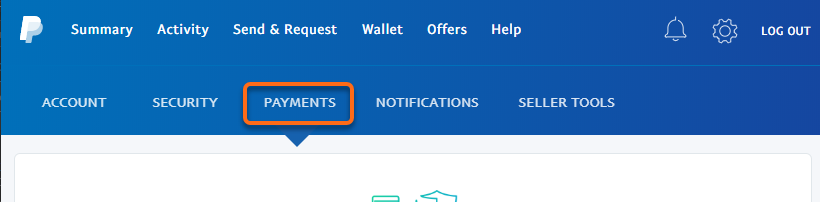
3. Select Payments.
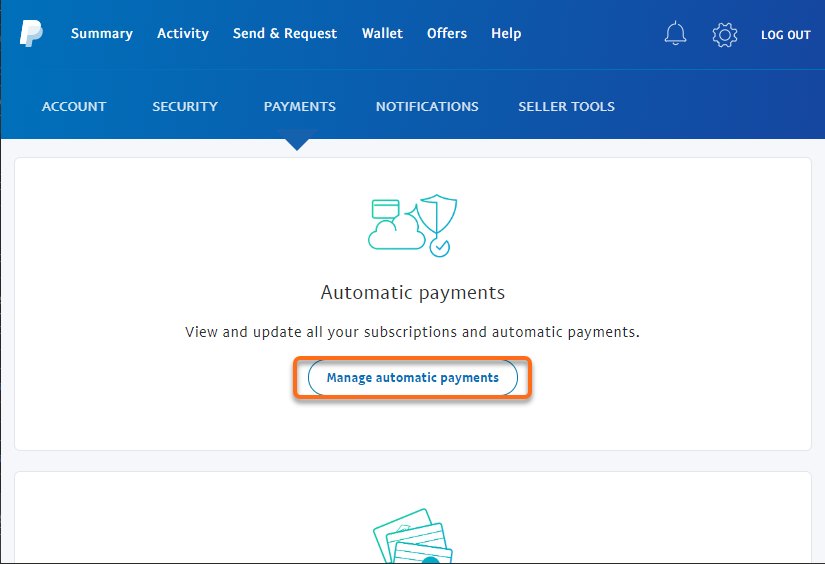
4. Click on Manage automatic payments in the Automatic payments section.
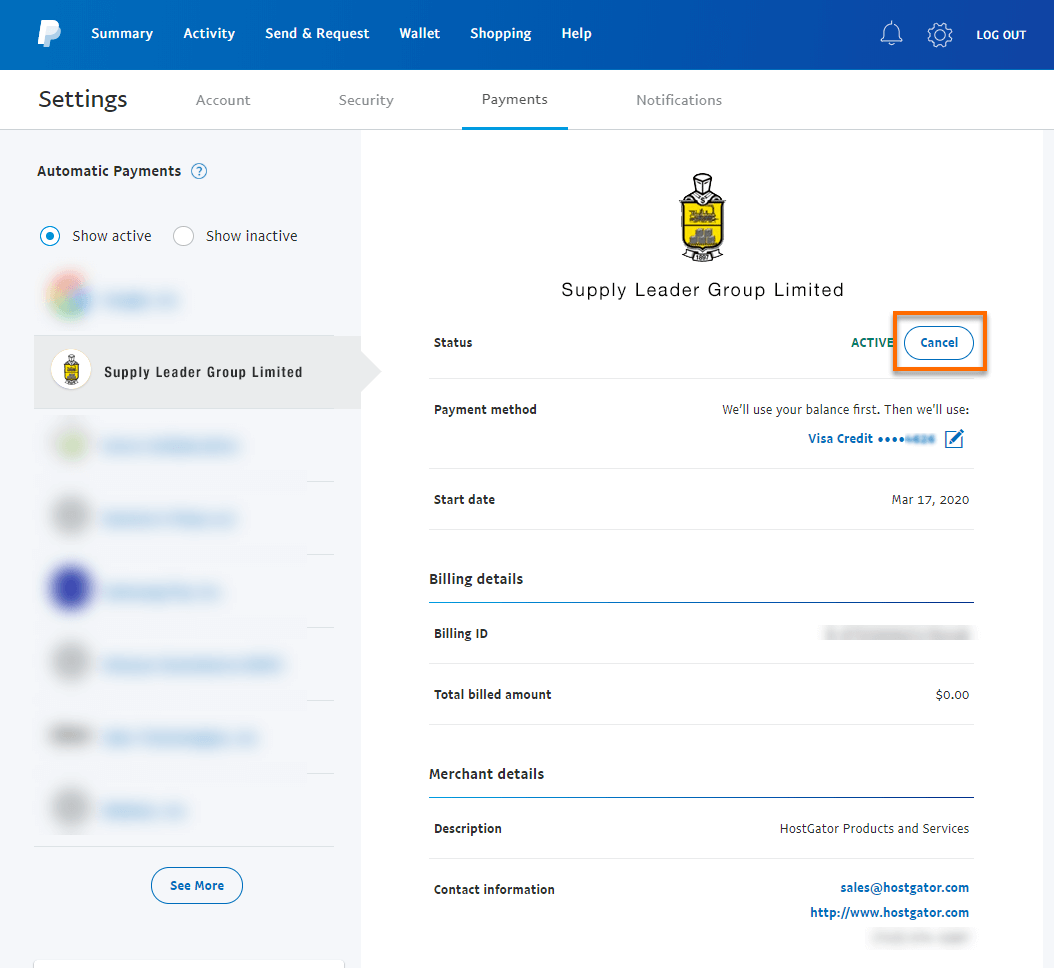
5. Click on the merchant whose agreement you want to cancel, and select Cancel for the Status under that merchant's name.
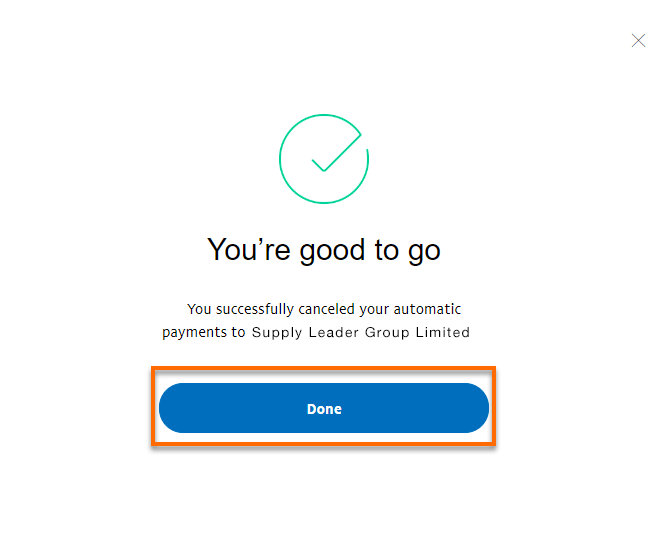
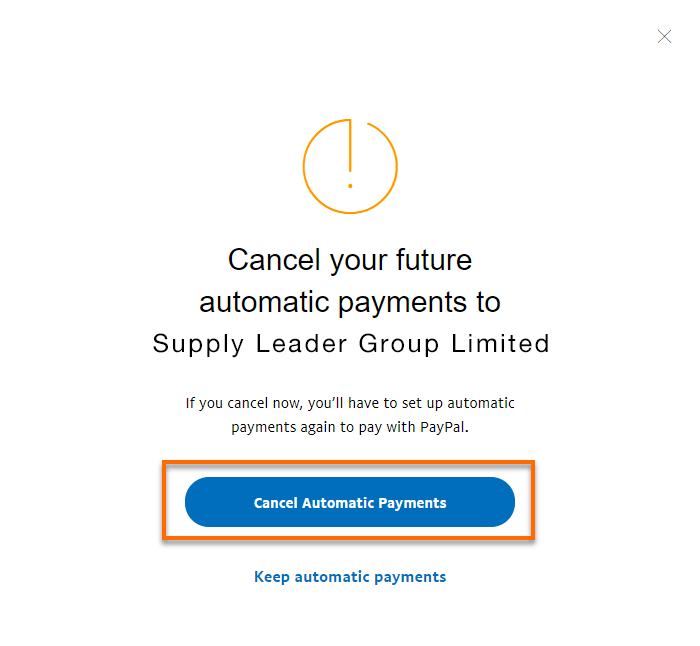
6. On the confirmation page, click Cancel Automatic Payments to confirm you want to stop payments to that specific merchant.
7. On the verification page, click Done to finish.